
Alvo should be clear beyond the trading desk. Each role sees what to do, which controls matter, what result to expect, and where human approval remains required.
Updated 17 May 2026
Where to start
A step-by-step guide to each tool — what it is, how to use it, and how to make money with it.
How to use Alvo — and make money with it
Step by step through each tool: what it is, how to work with it, and how to turn a signal into money. Every shot is in light and dark theme.
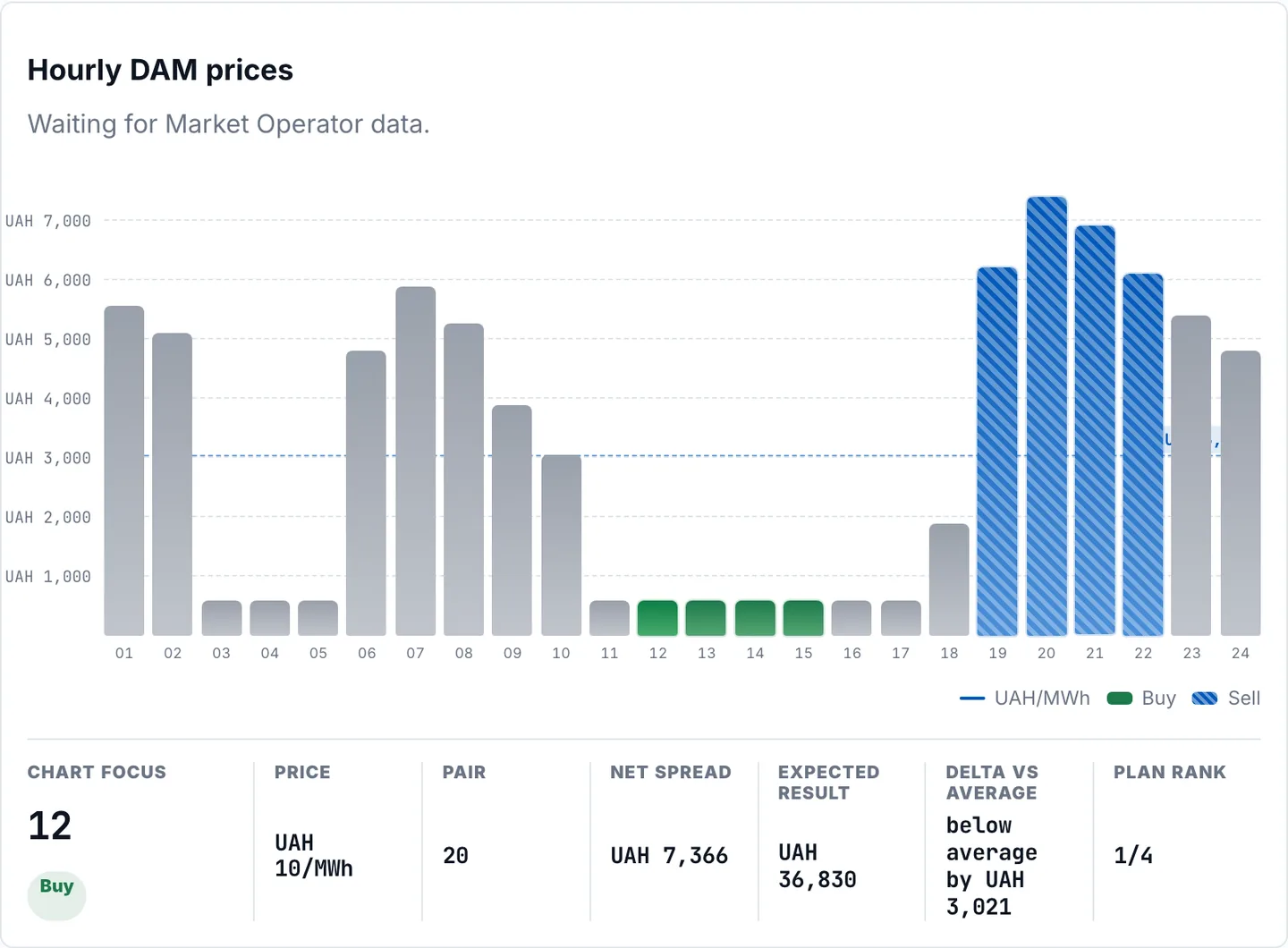
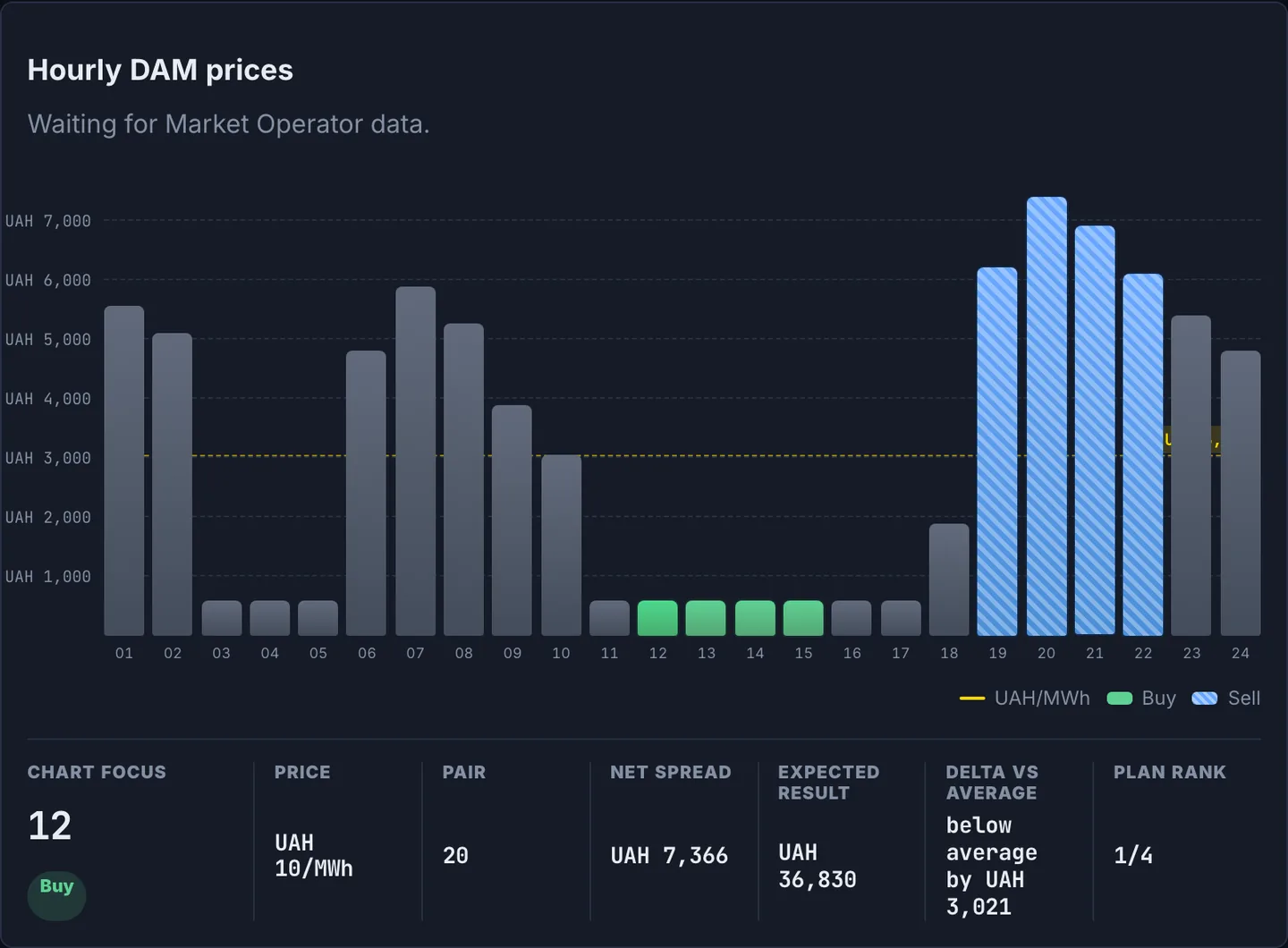
Hourly DAM/IDM chart and signals
24 hours of official Market Operator prices with cheap (buy) and expensive (sell) hours marked, a P10–P90 forecast band, and a per-hour inspector.
Scan the whole day: green marks are cheap hours, blue are expensive.
Click any hour to open the inspector: price, delta vs average, forecast, and trade window.
Switch DAM/IDM and check the forecast band and model accuracy (rMAE vs the naive benchmark).
Your margin is the spread: buy in cheap hours, sell in expensive ones. On real data the served model is LEAR (rMAE ≈ 0.91 — beats naive), so you see price moves early and act in time.
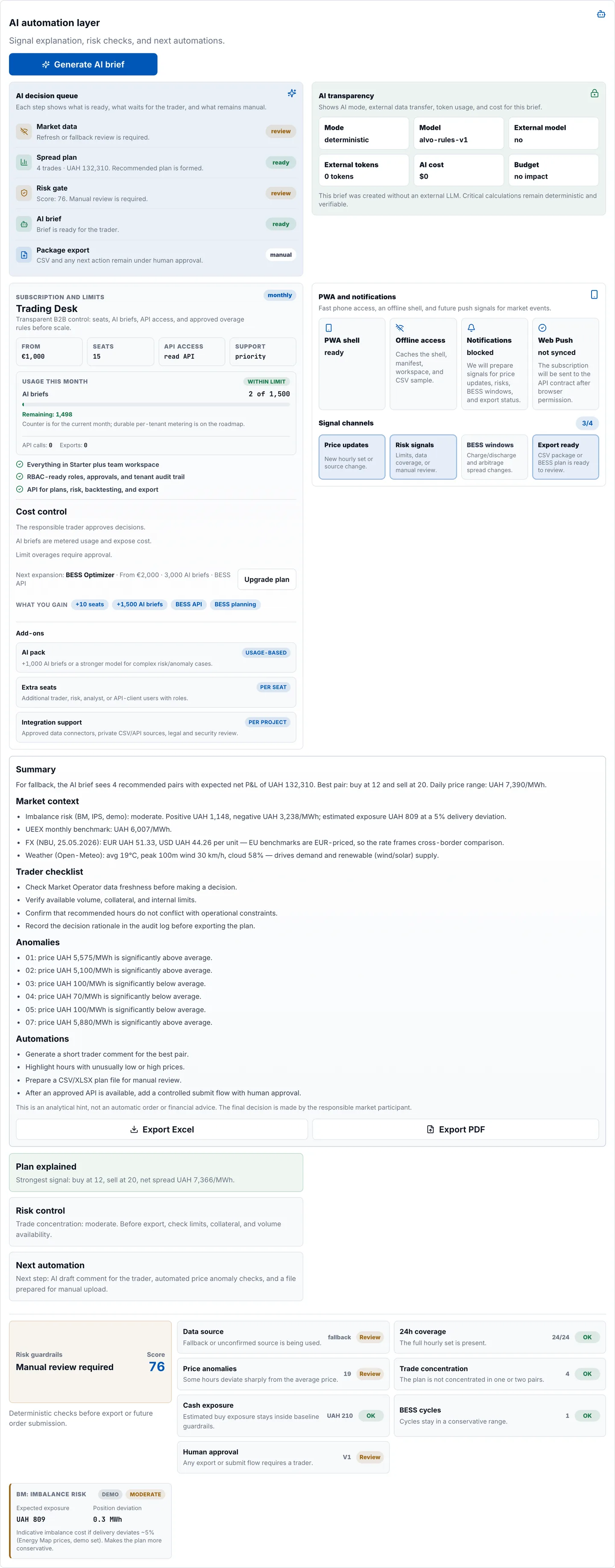
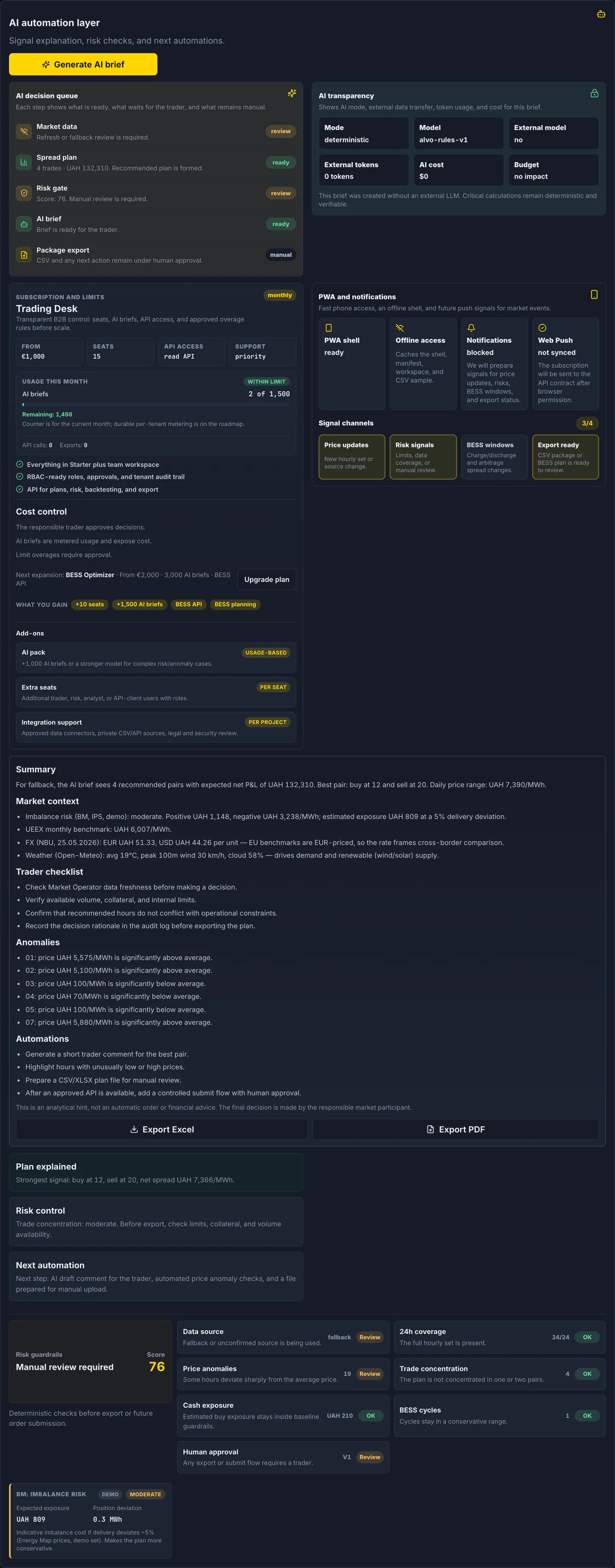
AI brief
A plain-language explanation of the recommended plan: best hour pairs, expected net result, risks, and anomalies. Deterministic, with no external LLM and no leak of your data.
Click “Generate AI brief”.
Read the summary and trader checklist; check the data sources and model transparency.
Export to XLSX or PDF for your team or compliance.
Faster, defensible decisions: the brief turns raw signals into a clear action and an audit-ready rationale — less analysis time and fewer mistakes under pressure.
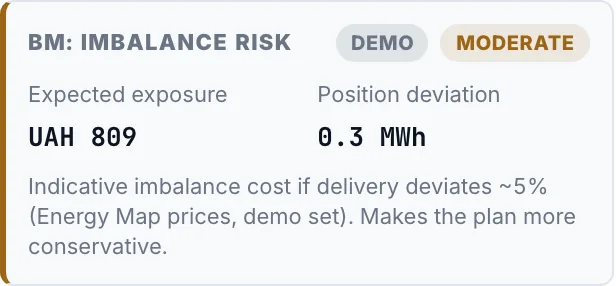
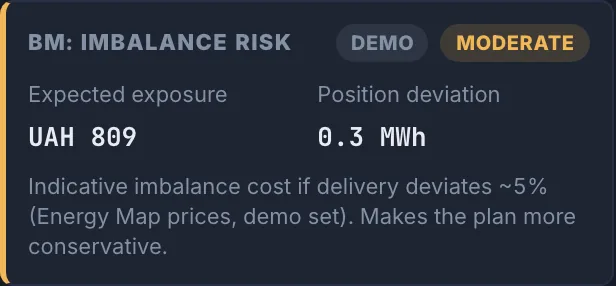
Imbalance risk (BM)
An imbalance-risk signal (low/moderate/high) with positive and negative imbalance prices and your estimated exposure if delivery deviates.
Check the risk level for the day.
Review the estimated exposure at a delivery deviation.
Adjust your position early to avoid an imbalance penalty.
Avoid costly imbalance settlements: the BM signal warns you to rebalance before the penalty hits.
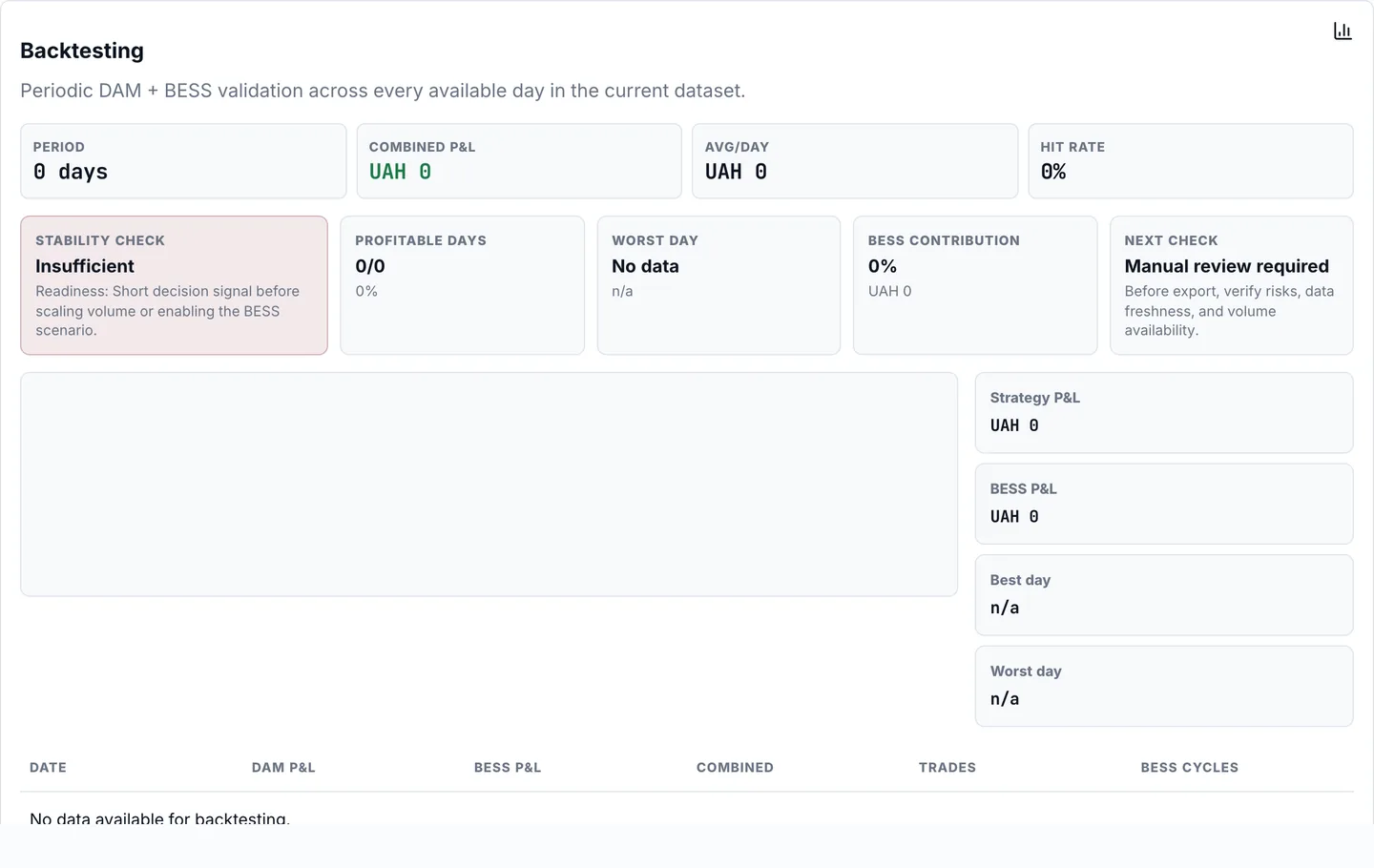
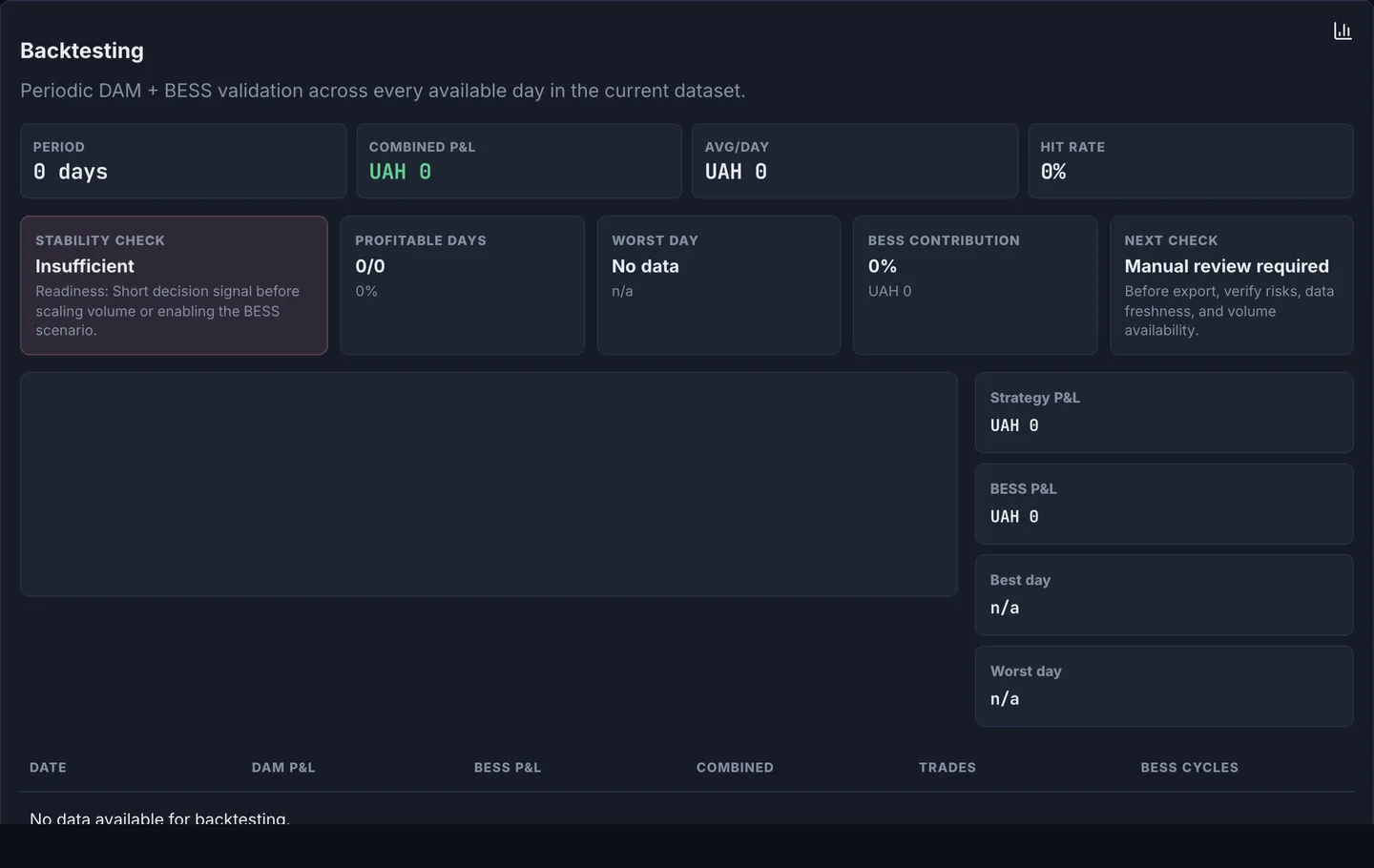
Backtest — stability check
A walk-forward check of the strategy across the dataset: result, share of profitable days, best/worst day, and daily rows.
Run the backtest over the available days.
Read the stability check and rMAE vs the naive benchmark.
Inspect the per-day P&L to see where the strategy works.
Trust the strategy before risking money: the backtest shows whether the edge is real and consistent, not luck.
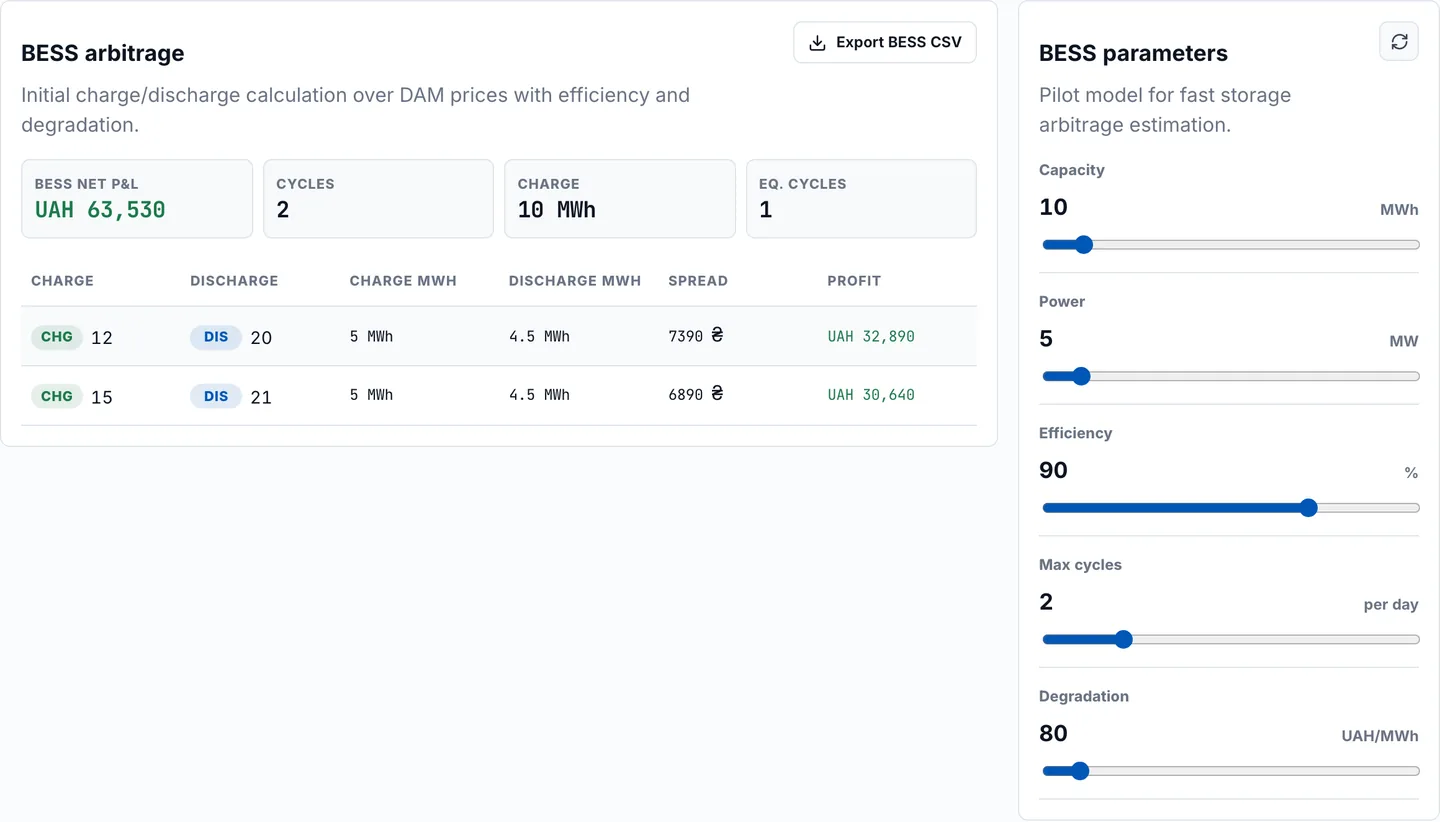
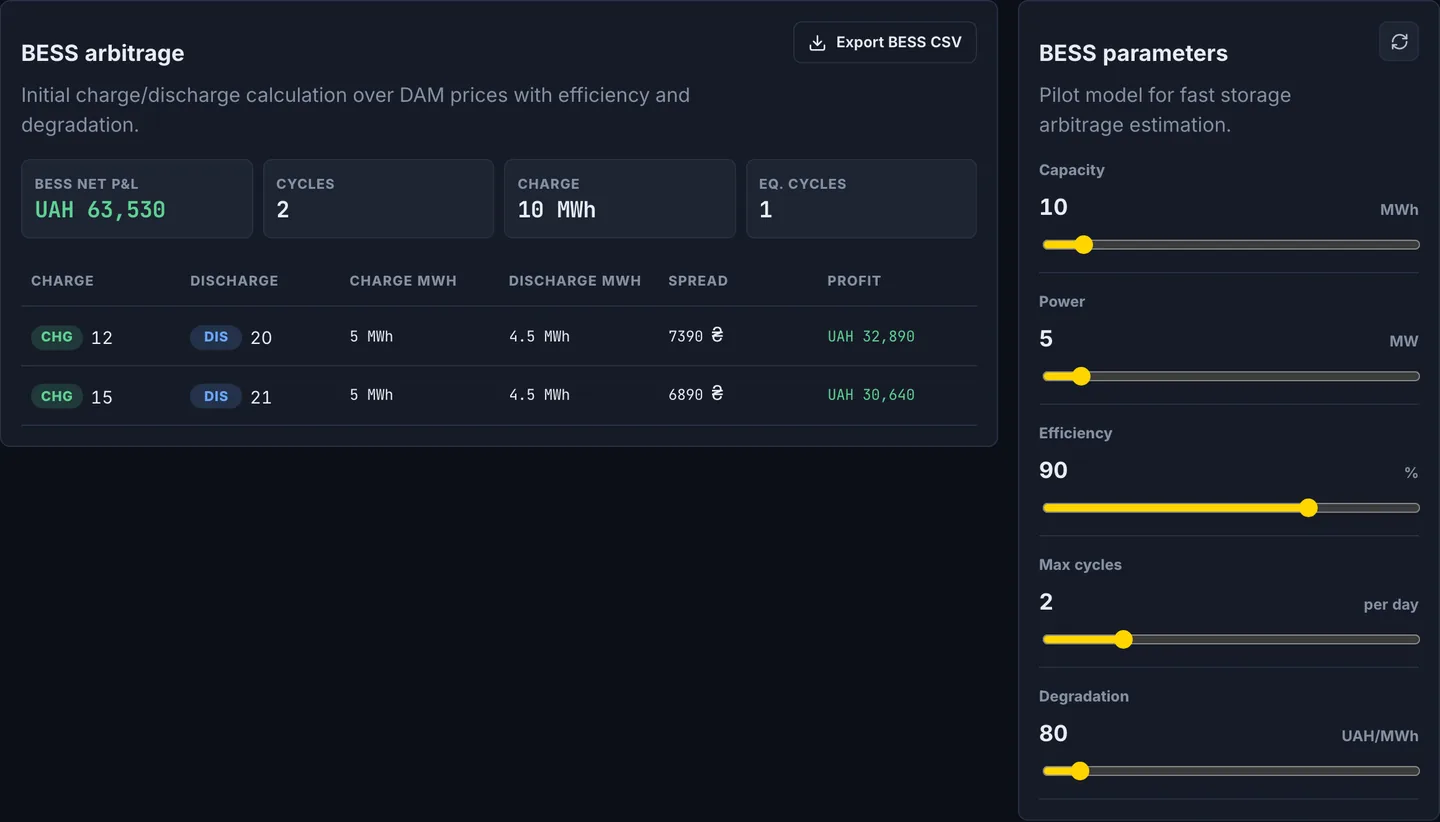
BESS arbitrage
Charge/discharge planning for a battery over DAM prices, accounting for efficiency, cycles, and degradation cost.
Set the battery capacity and power.
Check state of charge, cycles, and equivalent cycles.
Compare BESS vs DAM P&L and export the CSV for your model.
Capture storage arbitrage: charge in cheap hours, discharge in expensive ones — net of degradation; you see the real P&L before investing.
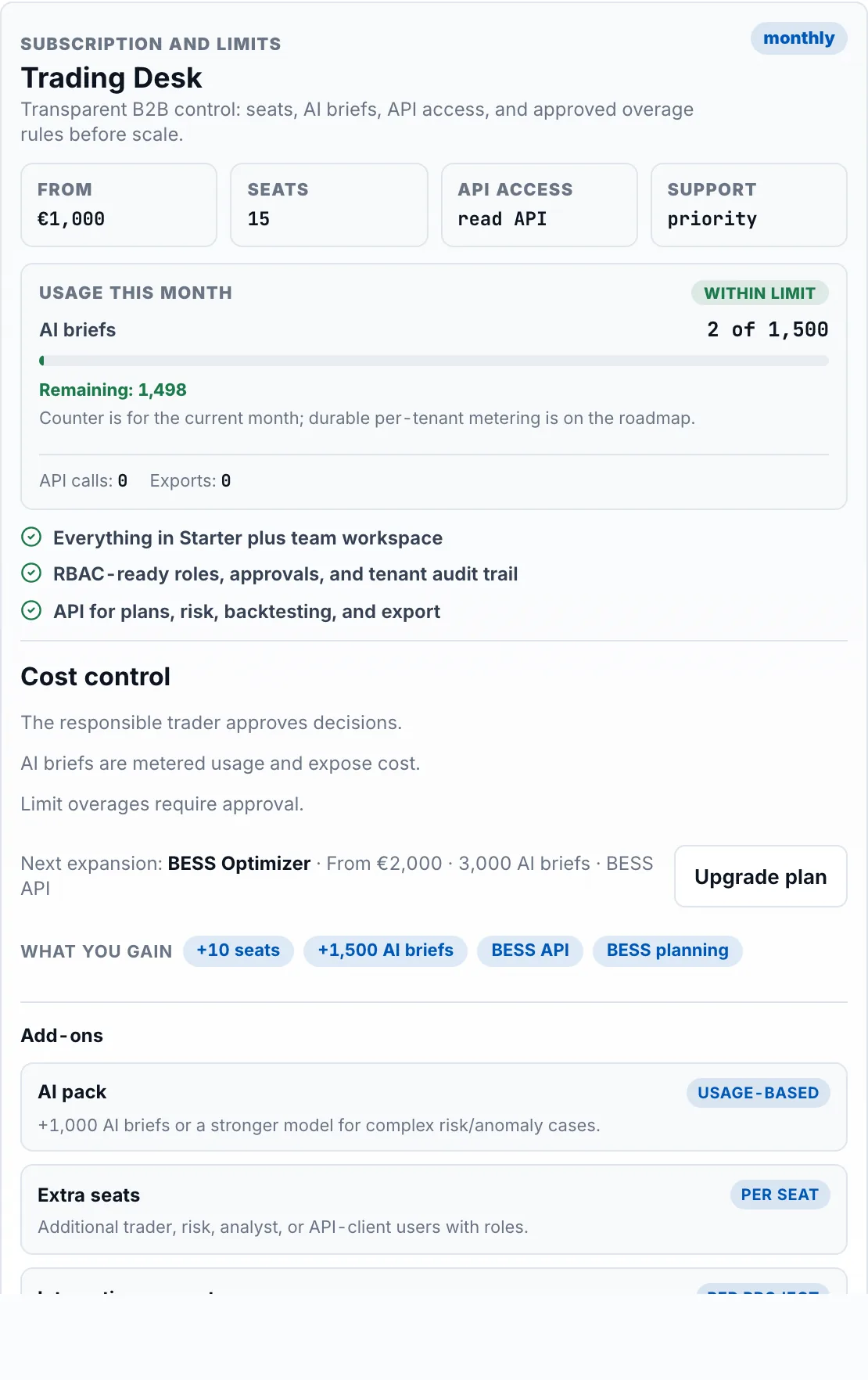
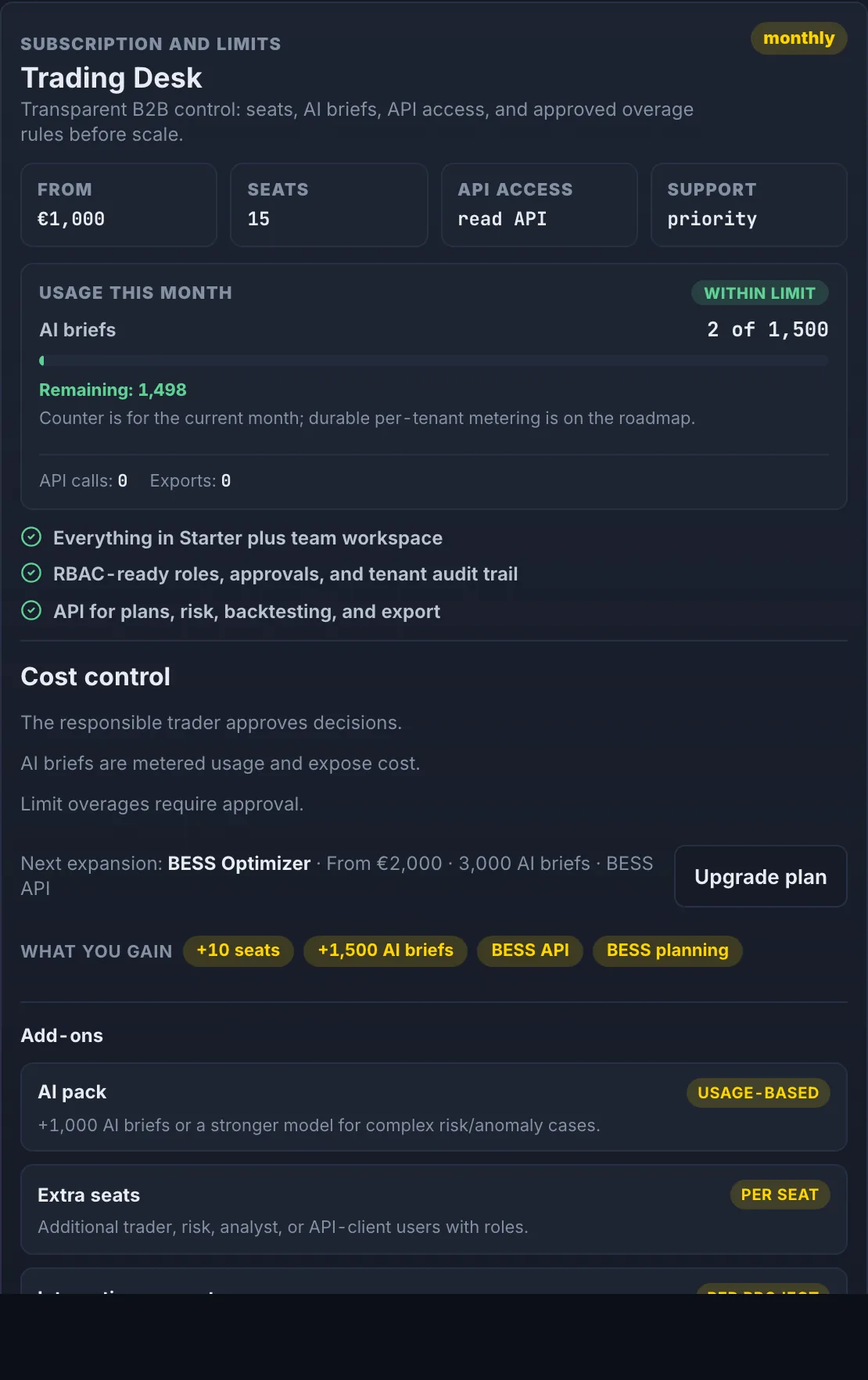
Subscription and limits
Your plan, included AI briefs, seats and API, current usage, and the upgrade path.
Review your plan and current usage.
Check remaining quota for AI briefs, API, and exports.
Upgrade when the team needs more.
Pay for value: start small and scale with the desk; usage is metered transparently, with no surprises on the invoice.
Trader
Quickly see low/high hours, verify risk, and export the plan.
Refresh OREE or import CSV.
Review top opportunities and risk gate.
Generate the AI brief.
Export CSV only after your own decision.
Analyst
Compare scenarios, fees, thresholds, and daily performance.
Change strategy parameters.
Compare the DAM plan with backtesting.
Review BESS assumptions.
Save CSV for the next model.
Risk / Compliance
See data source, guardrails, audit trail, and human approval.
Check OREE or CSV source.
Review the risk score.
Inspect audit events.
Stop export if a blocking risk appears.
BESS team
Estimate charge/discharge over DAM with efficiency and degradation.
Set capacity and power.
Review cycles and equivalent cycles.
Compare BESS P&L with DAM.
Export BESS CSV for modeling.
Developer / API
Connect signals, risk reports, BESS plans, and audit to internal systems.
Open API docs.
Inspect OpenAPI JSON.
Add an API key in production.
Log integration actions in tenant audit.
Lead
Assess economics, control, and next automation stages.
Review expected P&L.
Confirm human approval remains in place.
Assess the BESS/API roadmap.
Define automation boundaries.
Accessibility and usability
Light and dark themes work on the website and in the app.
Dense mode reduces workspace spacing for repeated daily use.
Buttons have visible loading and ready states so users understand what is happening.
Text and tables adapt to mobile, and motion respects the system prefers-reduced-motion setting.
Export without surprises
Plan export creates a CSV and writes an audit event.
BESS export creates a separate CSV with charge/discharge cycles.
AI does not approve orders: it explains and prepares the package for a human.
Before future auto-submit, roles, limits, legal review, and integration audit are required.
Start in the workspace
Open the demo, refresh OREE, generate an AI brief, and export CSV. This is the baseline daily Alvo v1 route.